SwarmCo
Your corp of AI agents, in one chat.
SwarmCo gives you, or your small business, a team of AI agents that works in your own folders on your own PC: say what you want done in plain words, approve the team it proposes, and see what changed. It runs on your own Claude Code or Codex sign-in, or on 2k18 credits with no Claude account needed.
Download for Windows or LinuxSee your corps
One chat runs the corp
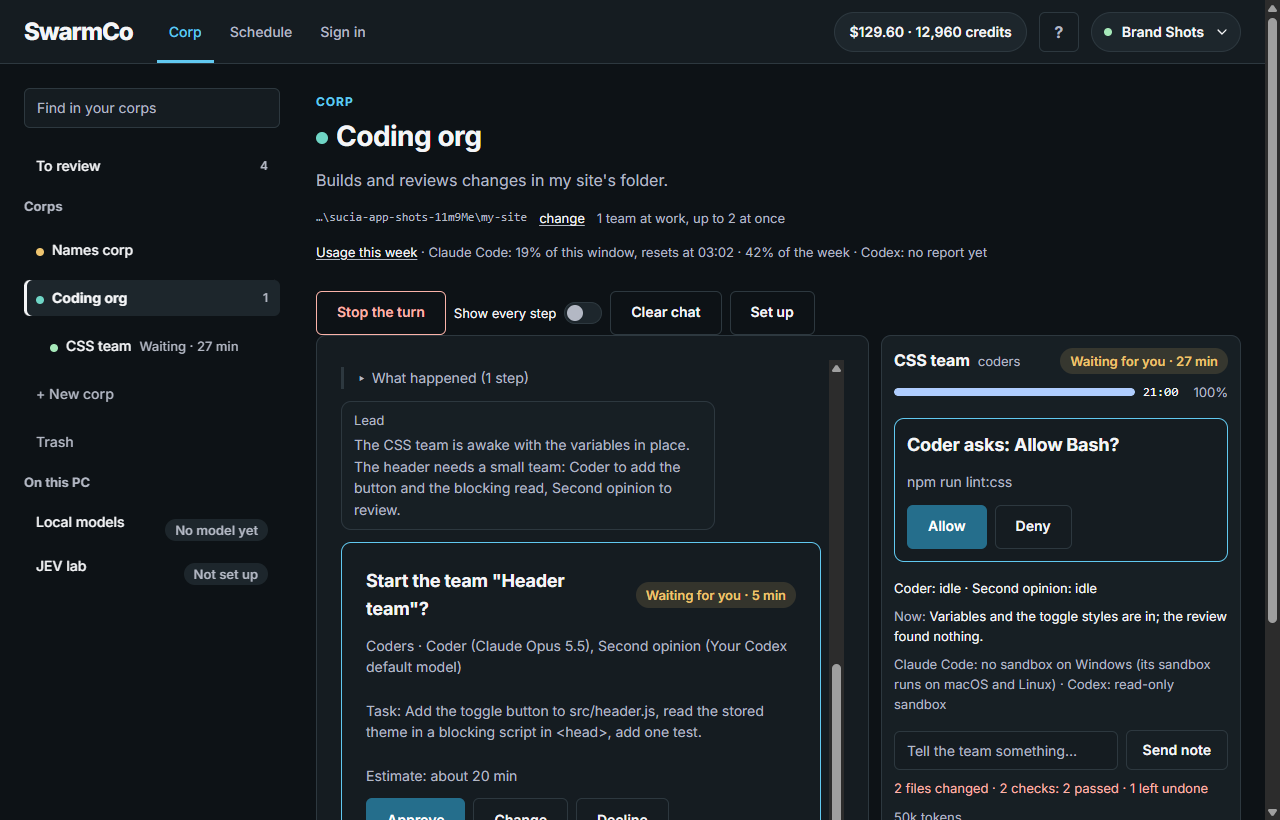
Every corp starts as one chat with its orchestrator. It answers you there, asks when it needs a decision, and proposes teams of specialists (coders, designers, marketers) for bigger pieces. Making, changing or removing a team always waits for your go.
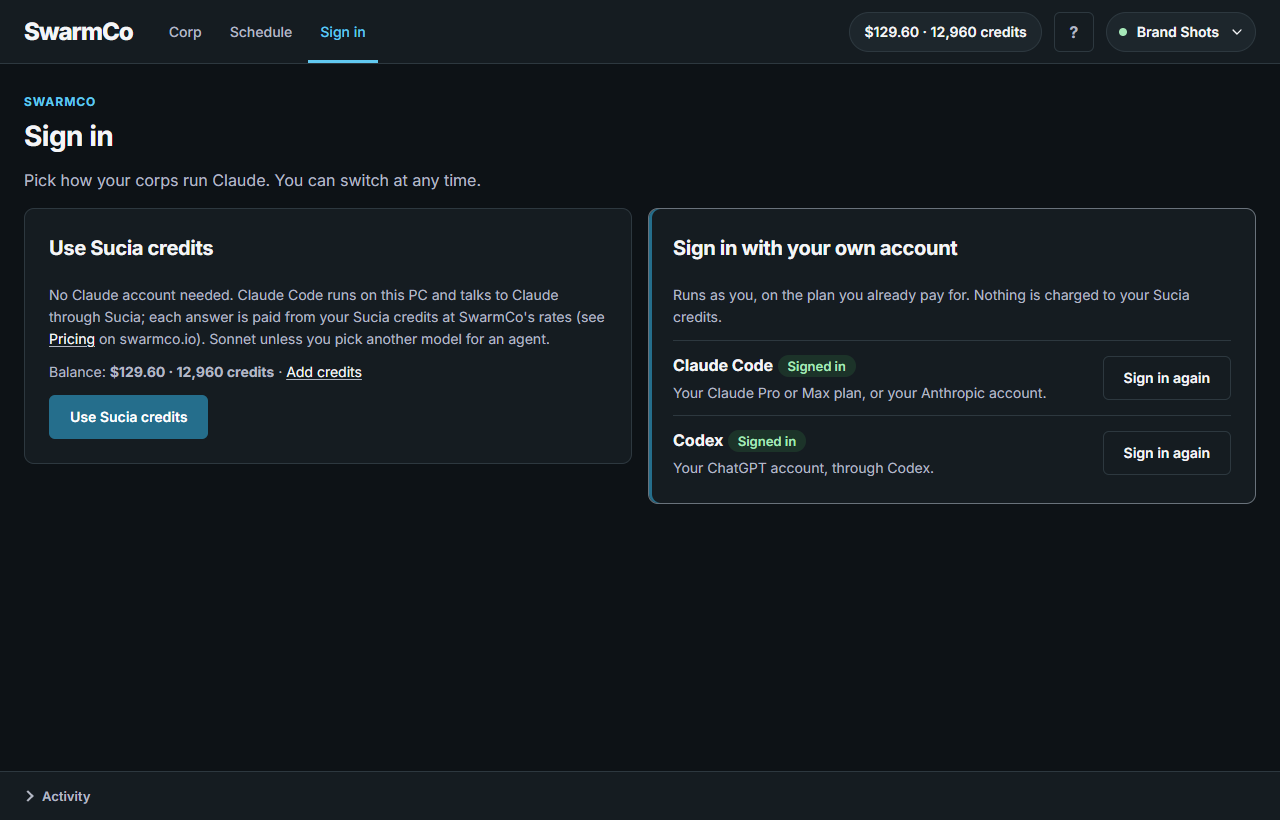
Your sign-in, or 2k18 credits
Run teams on the Claude Code or Codex plan you already pay for, signed in on your PC. Or use 2k18 credits: no Claude account needed, and each answer is paid from your 2k18 balance at SwarmCo's rates (see Pricing). Switch between them at any time.
Model calls on your PC; chats in your account
Teams run through your own Claude Code or Codex sign-in, or through a model downloaded to your PC; SwarmCo ships what runs it. JEV, SwarmCo's own small model, advises your agents and, once it has learned from your own runs, routes chat turns between your PC and your sign-in. Fully local: model calls run on your PC. Your chats and team logs are kept in your 2k18 account, so you can see them here and on your phone. SwarmCo never holds your provider keys; with 2k18 credits, the calls go through 2k18.
You approve teams, not keystrokes
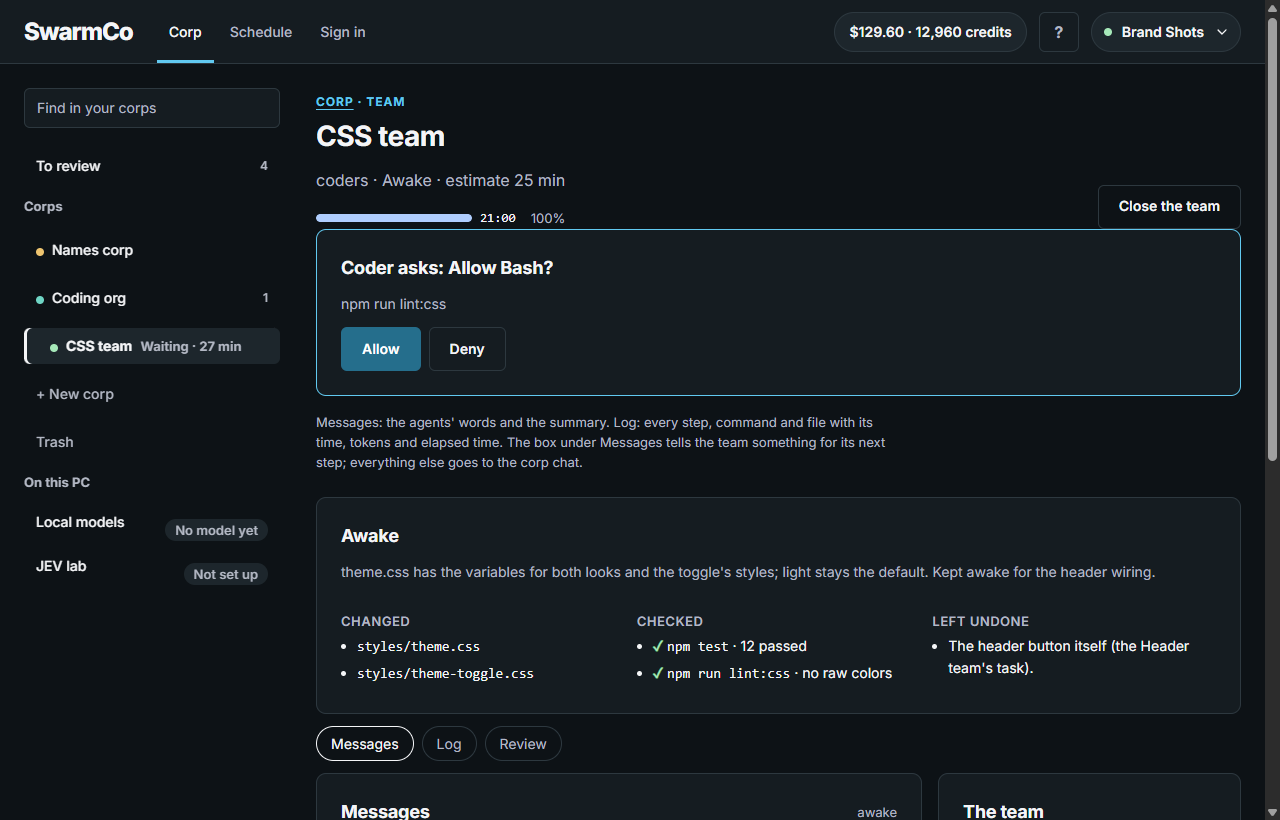
A team starts only when you approve its card, and that card is the whole permission: there is no "always allow". Choose Ask and a team also asks before each edit or command. What you remove goes to the Trash for 30 days, where you can restore it.
See it from anywhere
Sign in here with your 2k18 account, or open SwarmCo for Android, to follow each corp's chat and its teams, message the orchestrator and answer its cards. Hosting a corp needs the SwarmCo app on Windows or Linux: the work runs on that PC while it is on.
Your usage, visible
Each corp shows the week's tokens per account and how much of your Claude Code window is used, with the time it resets. On 2k18 credits, Set up holds a cap in credits per team.
Who it is for
A person or a small business that wants an AI team working on their own PC, not only developers. Three corps a business might run:
A bookkeeping clean-up corp
Sorts a folder of receipts and bank exports into one spreadsheet and lists what it could not match, for you to check.
A website-and-listings corp
Keeps your site's pages and your business listings in step with your notes, each change proposed as a team you approve.
A weekly report corp
Gathers the numbers you keep in a folder into a short report on the day you set in its Schedule, while your PC is on.